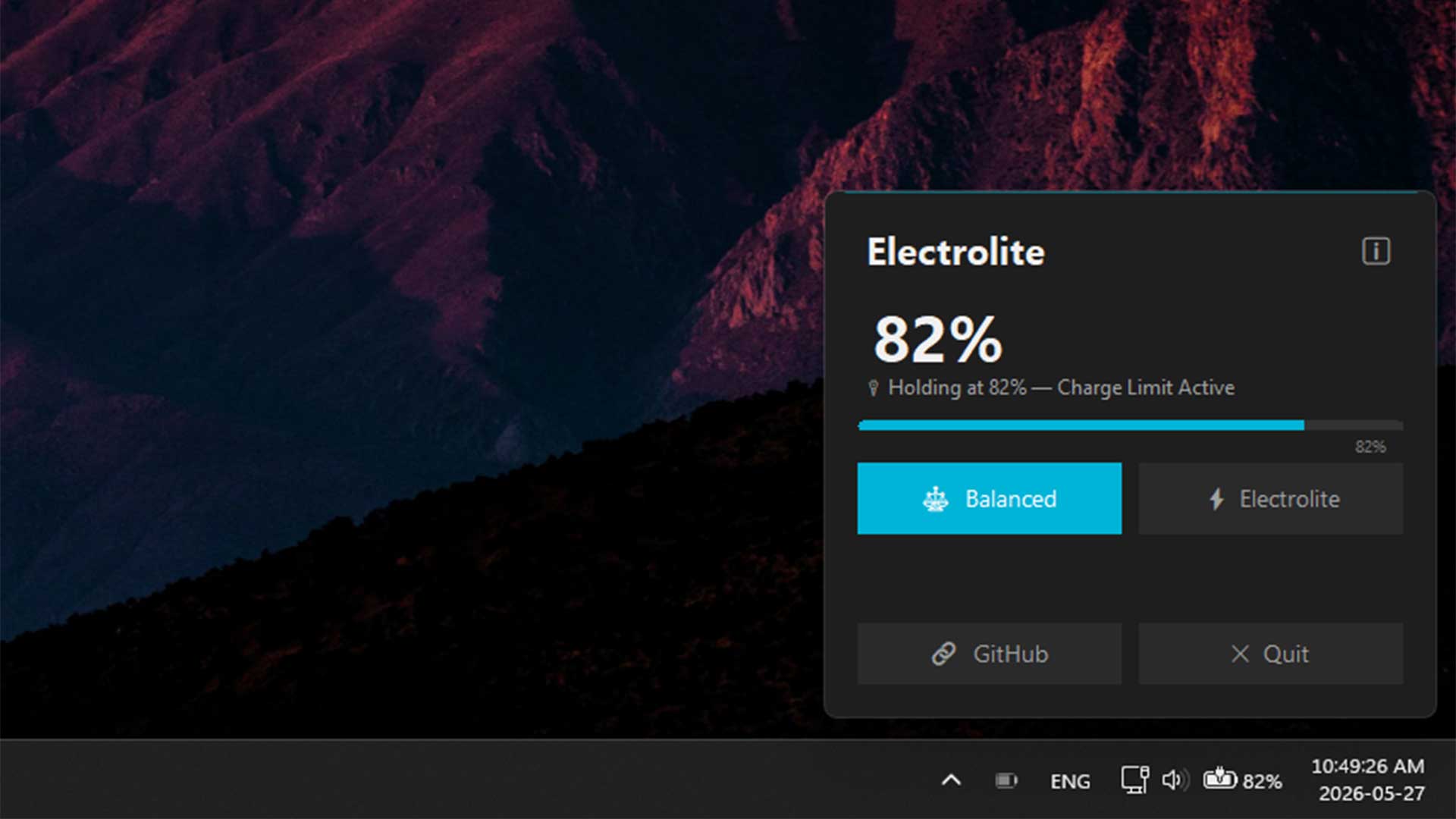
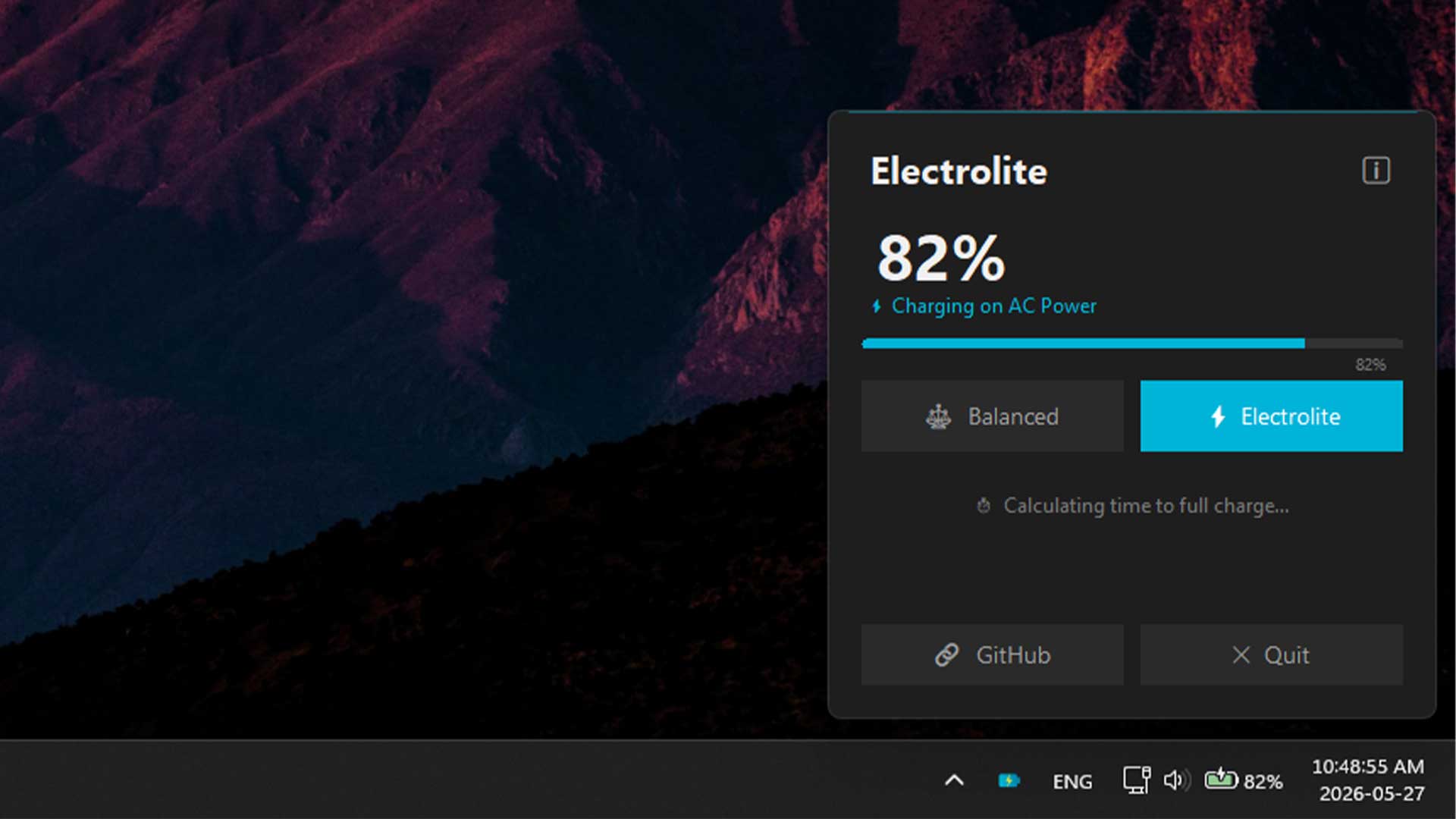
A lightweight system-tray utility that lets ASUS laptop owners toggle between 80% and 100% charge limits with a single click.
Windows 10/11 · Requires .NET 8 Desktop Runtime · Free & open source (GPL v3)
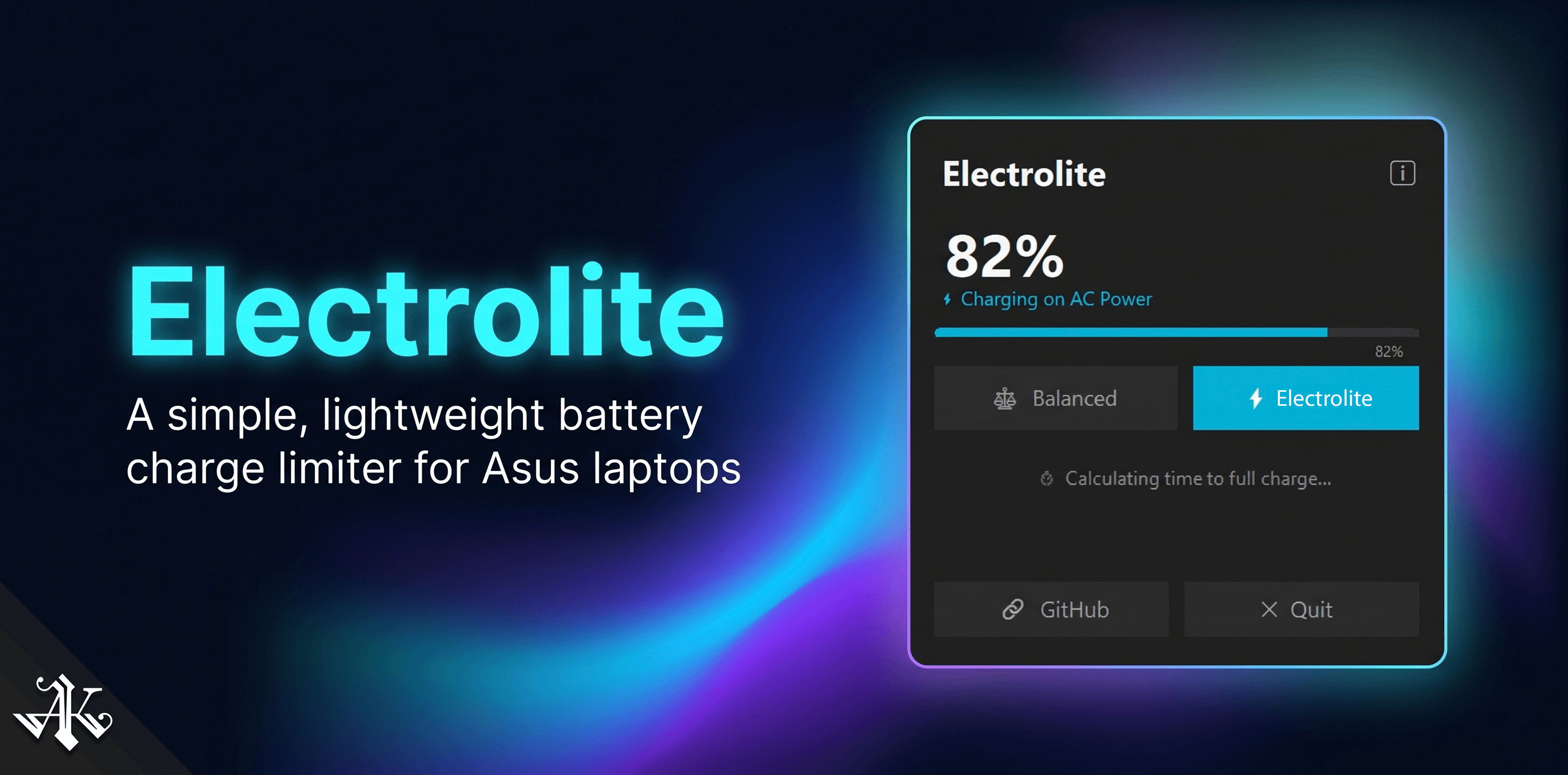
Balanced holds at 80% for desk days. Electrolite removes the cap when you need full charge before heading out.
Runs silently in the system tray. No taskbar icon, no startup splash, no background processes chewing through resources.
Talks directly to ASUS ACPI drivers. It does not rely on MyASUS or Armoury Crate, performing only raw and fast threshold writes.
Live battery percentage, charging status, and power source updates via Windows kernel events.
Press Ctrl + Shift + B to toggle modes instantly from anywhere, without needing to open the tray.
Fully transparent, GPL v3 licensed. Read every line, fork it, and improve it because the code is yours.
Caps charging at 80%, which is ideal when your laptop stays plugged in at your desk. Reduces long-term battery degradation from sitting at high voltage.
Removes the limit and lets the battery charge to 100%. Perfect for when you're about to unplug and head out.
Download Electrolite and start managing your ASUS laptop battery the simple way.
Requires .NET 8 Desktop Runtime · GPL v3 License